Following the RFC we published earlier, we’re excited to share that foreign build system dependencies are now available in Tuist. This feature lets you integrate artifacts built by external build systems, Kotlin Multiplatform via Gradle, Rust via Cargo, C/C++ via CMake, or anything else that can produce an xcframework, directly into your Tuist-managed project graph, complete with the module cache support.
The problem
Many teams mix build systems. A common pattern is having a Kotlin Multiplatform module that Gradle compiles into an xcframework, which Swift targets then consume. Until now, integrating these artifacts into a Tuist project meant manual workarounds. Custom script phases, pre-built binaries checked into the repo, or Xcode project files maintained by hand. None of these played well with Tuist’s dependency graph or binary caching.
The solution: Target.foreignBuild()
Foreign builds are declared as first-class targets in your Project.swift. To depend on a foreign build, you can then the standard .target(name:) dependency.
let project = Project(
    name: "MyApp",
    targets: [
        // Foreign build target
        .foreignBuild(
            name: "SharedKMP",
            destinations: .iOS,
            script: """
                cd $SRCROOT/SharedKMP && gradle assembleSharedKMPReleaseXCFramework
                """,
            inputs: [
                .folder("SharedKMP/src"),
                .file("SharedKMP/build.gradle.kts"),
            ],
            output: .xcframework(
                path: "SharedKMP/build/XCFrameworks/release/SharedKMP.xcframework",
                linking: .dynamic
            )
        ),

        // Swift framework that depends on the foreign build
        .target(
            name: "MyFramework",
            destinations: .iOS,
            product: .framework,
            bundleId: "io.tuist.MyFramework",
            sources: ["MyFramework/Sources/**"],
            dependencies: [
                .target(name: "SharedKMP"),
            ]
        ),
    ]
)
You can find a full example at tuist/examples/xcode/generated_ios_app_with_foreign_build_dependency at main · tuist/tuist · GitHub
The inputs parameter declares which files and folders Tuist should watch. These are used both as Xcode build phase inputs (for incremental builds) and as cache hash inputs (for module cache).
How it works
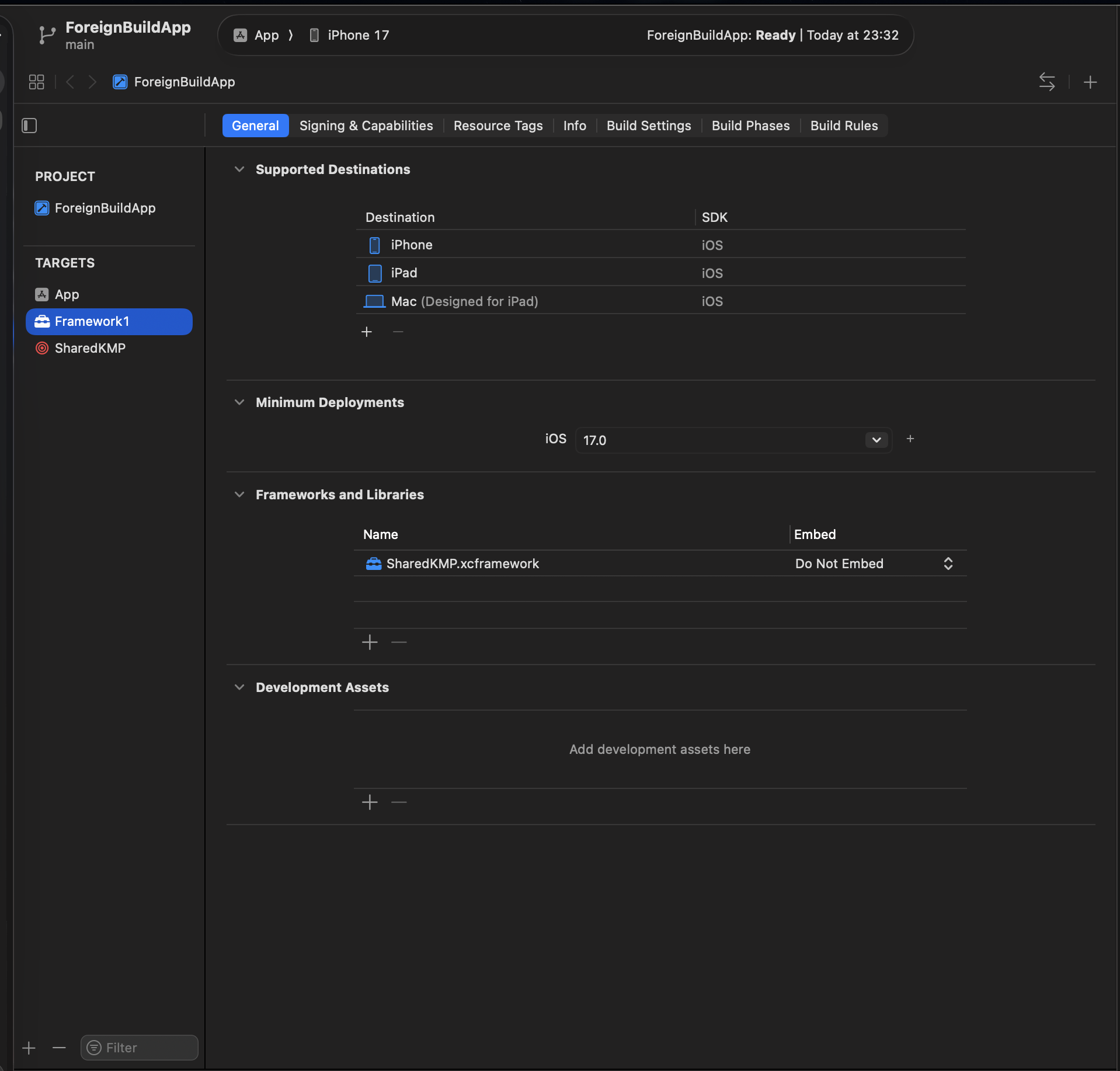
Under the hood, Target.foreignBuild() becomes a PBXAggregateTarget with a script build phase in the generated Xcode project. Tuist handles the wiring automatically:
- Dependency graph integration Foreign build targets participate in the full dependency graph. The graph traverser understands that consuming targets need to link against the produced xcframework.
- Module cache
tuist cachehashes foreign build targets using their name, script, and input file contents. That means you can completely skip the foreign build if you’ve already previously cached it. - First-run generation Since Xcode validates file references before executing any build phases, Tuist runs the foreign build script during
tuist generateif the output xcframework doesn’t exist yet.
Deviation from the RFC
The RFC proposed foreign builds as a TargetDependency case (.foreignBuild(name:script:inputs:output:)). During implementation, we refactored to a Target.foreignBuild() factory because a foreign build is a target. It maps to a PBXAggregateTarget in Xcode.
What’s next
Give it a try and share your feedback here or on GitHub. We’d love to hear how you’re using foreign builds in your projects.